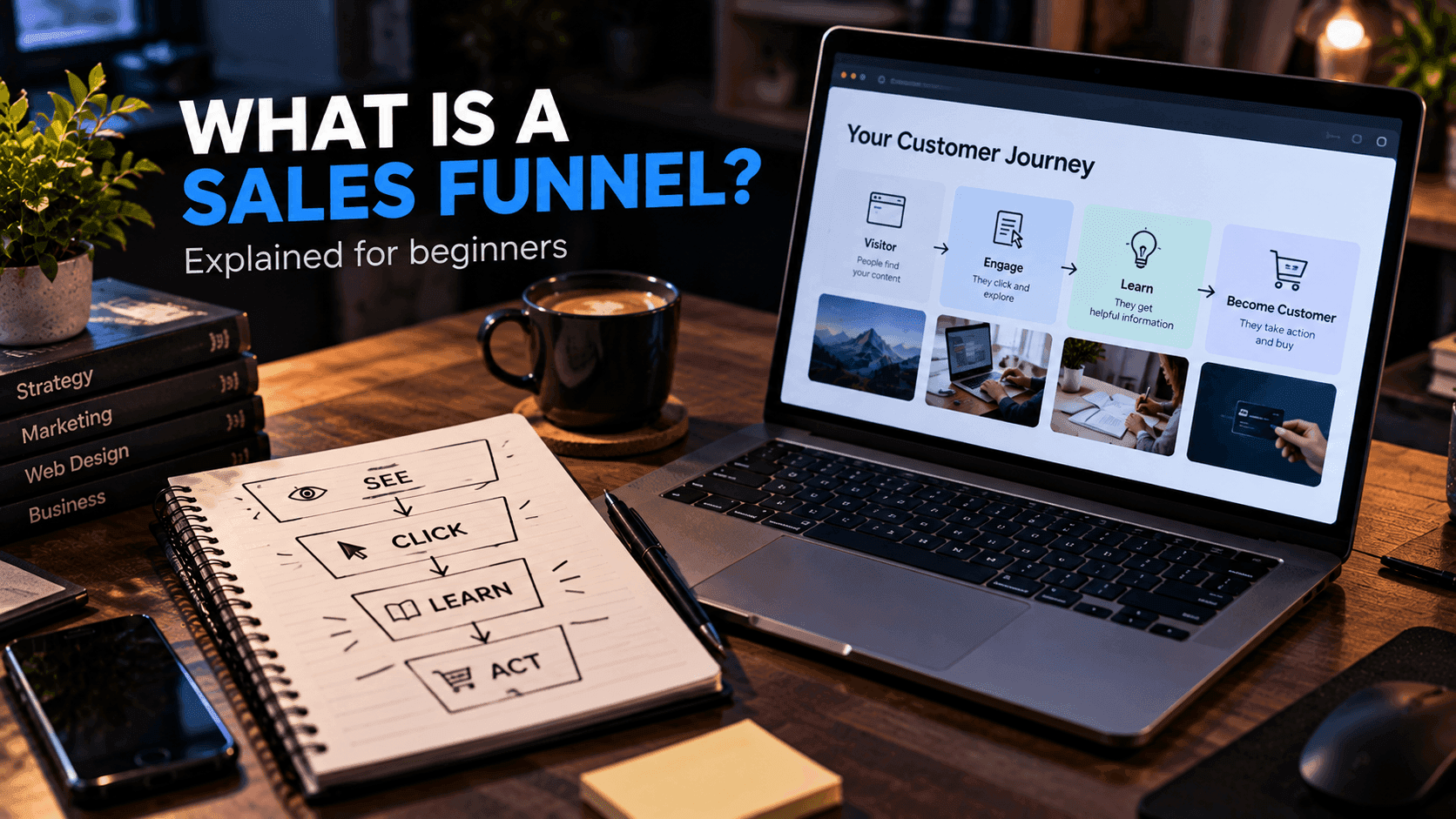
A sales funnel is a sequence of steps that guides people from discovering an offer to taking an action.
The action could be purchasing a product, booking a service, joining an email list or requesting more information. The funnel is simply the path you design so that people who are interested can get there without confusion.
You do not need a complicated funnel to get started. A simple structure is easier to build, easier to understand and much easier to improve.
Quick answer: To create a sales funnel, choose one goal, define who it is for, build a focused landing page, offer something useful to capture leads, follow up by email, present a clear offer and measure where people drop off.
What Is a Sales Funnel?
Imagine someone discovers your business through a social media post.
They click a link and arrive at a landing page. They read about the offer, submit their email address and receive additional information over the next few days. Eventually, some of them buy.
That sequence is a funnel.
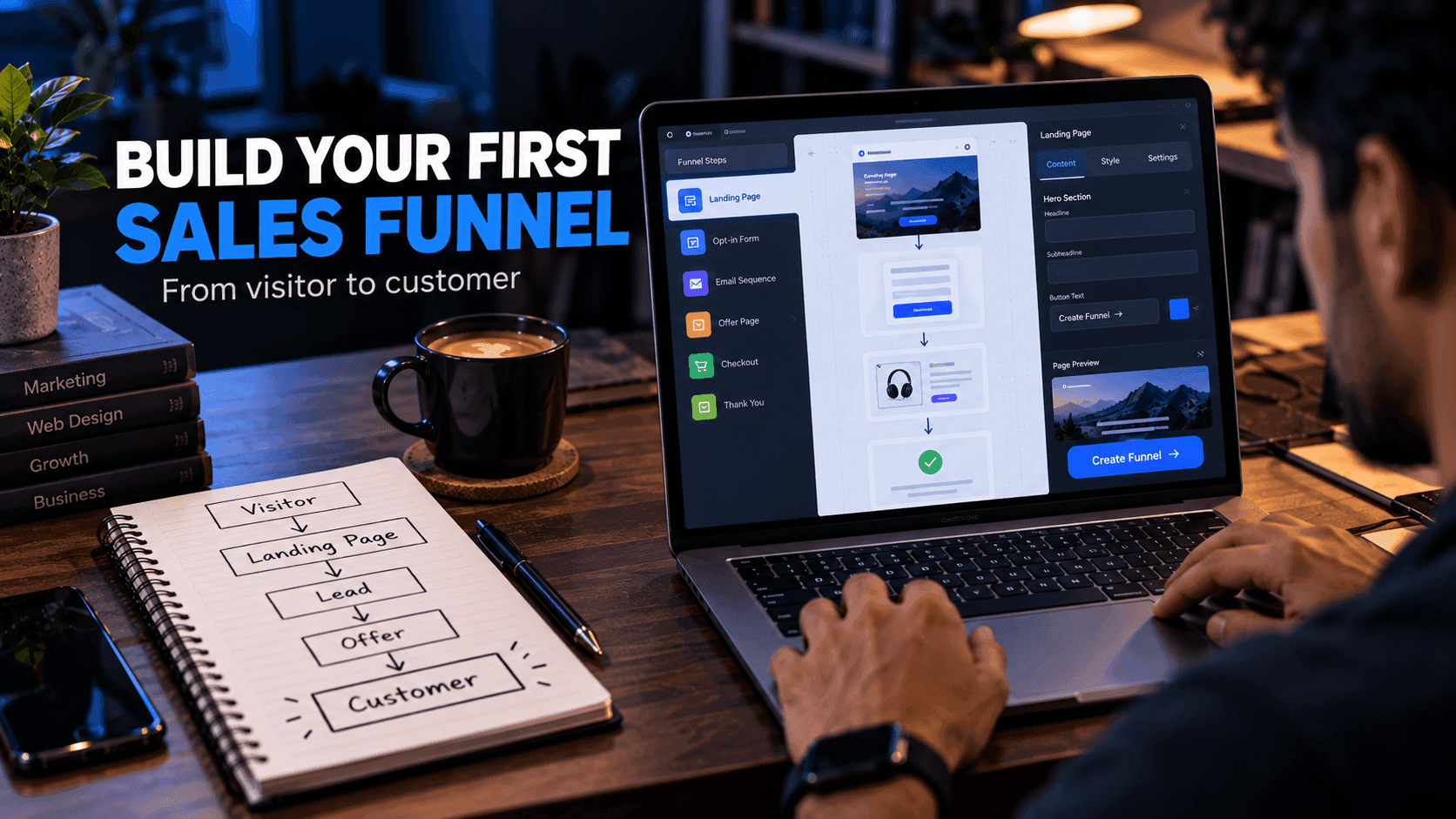
A basic funnel can look like:
Visitor → Landing Page → Lead → Follow-up → Offer
For a deeper explanation of the concept and its stages, read what is a sales funnel.
Step 1: Choose One Goal
Start by defining the final action.
Examples:
- Buy a product
- Book a consultation
- Register for an event
- Download a resource
- Start a free trial
The goal determines what the rest of the funnel needs. A funnel for a free download may only need a landing page and a thank-you page. A funnel for a paid course may need a sales page, a checkout and onboarding emails.
Write the goal down in one sentence. If you have two goals, you probably need two funnels.
Step 2: Understand Your Audience
Define who the funnel is for.
Consider:
- What problem do they have?
- What outcome are they looking for?
- What questions might they have?
- Why might they hesitate?
Avoid trying to build one funnel for everyone. A funnel for freelance designers will use different language, examples and offers than a funnel for small restaurant owners.
A practical way to research this is to read the questions people ask in communities, comment sections and support emails. Their exact words often make the best headlines.
Step 3: Create the Landing Page
The landing page introduces the offer and is usually the first step of the funnel.
A useful structure includes:
- Clear headline
- The problem
- Your solution
- Benefits
- Supporting information
- Call to action
- FAQ
The visitor should understand the offer without reading a huge amount of text. Make sure the page matches the message that brought them there: if your social post promised a free checklist, the landing page should lead with that checklist.
Our guide on how to create a landing page for free covers this step in detail.
Step 4: Capture Leads When Appropriate
If the visitor is not ready to buy immediately, you can offer something useful in exchange for an email address. This is often called a lead magnet.
Examples:
- Checklist
- Free template
- Short guide
- Demo
- Newsletter
The best lead magnets are closely related to what you eventually sell. A free Tailwind component pack is a natural first step toward a premium template; a generic giveaway is not.
Only collect information that you actually need, and explain what people will receive after signing up.
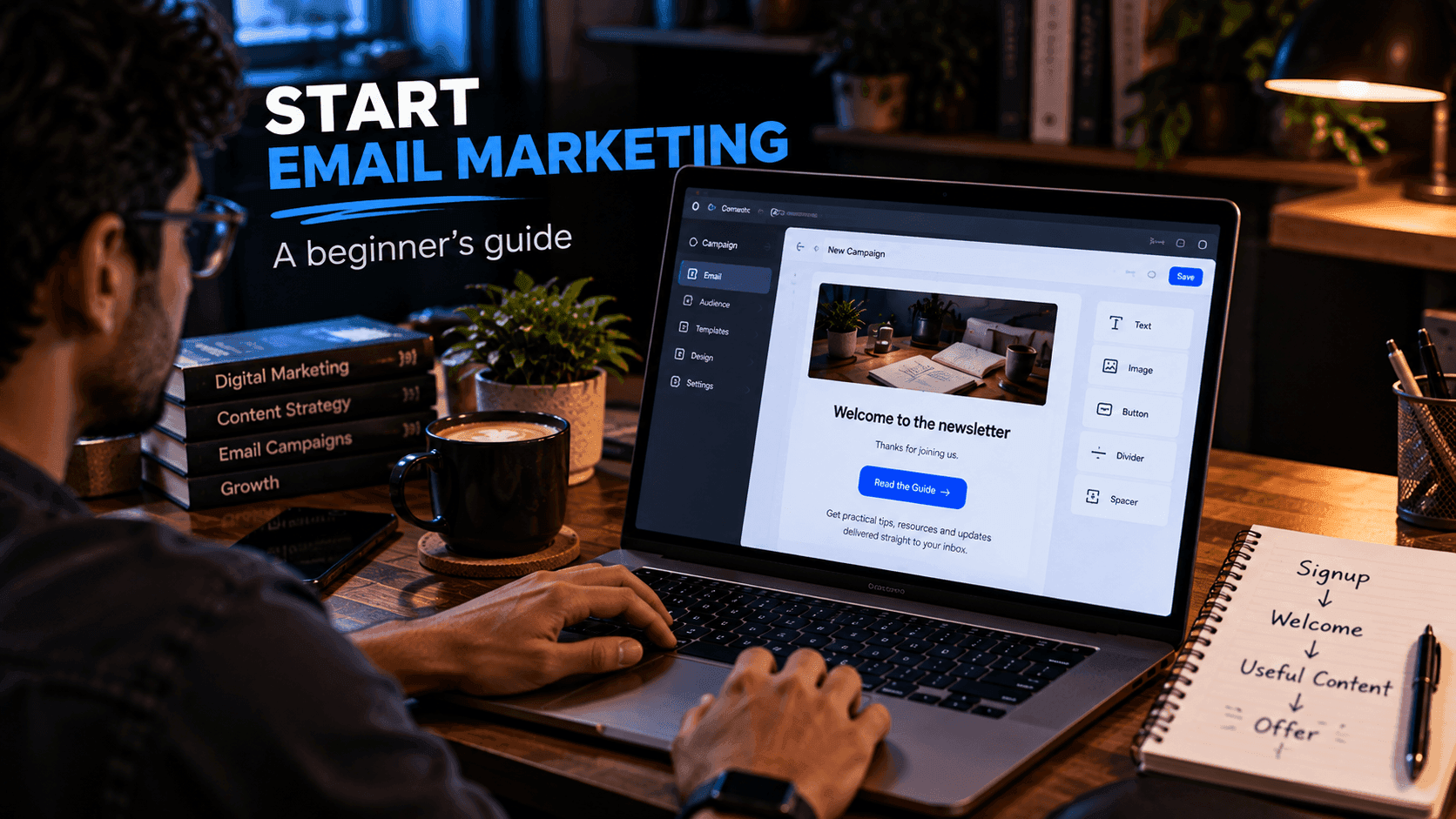
Step 5: Follow Up
Email helps you continue the conversation with people who showed interest.
A basic sequence might be:
Email 1: Deliver the promised resource
Email 2: Share a useful tip related to the problem
Email 3: Explain the problem in more detail, including common mistakes
Email 4: Introduce your product or service and how it helps
The exact sequence depends on your audience and offer. Each email should be useful on its own, even for someone who never buys. If you are new to email, our guide on how to start email marketing explains the basics.
Step 6: Make the Offer Clear
Your offer page should answer:
- What is included?
- Who is it for, and who is it not for?
- What does it cost?
- How does it work?
- What happens after purchase?
Screenshots, previews and a short FAQ reduce uncertainty. Avoid misleading urgency, fake countdown timers or exaggerated claims. They may bring a short-term click, but they damage trust.
Step 7: Measure the Funnel
Useful measurements include:
- Landing page visits
- CTA clicks
- Form submissions
- Email opens and clicks
- Purchases or bookings
These numbers help you identify where visitors stop. If many people visit but few sign up, work on the landing page. If people sign up but never click your emails, work on the follow-up. Change one thing at a time so you know what made the difference.
Example: A Funnel for a Freelance Developer
Here is how the steps above could come together for a freelance developer offering website builds:
- Goal: Book a free 20-minute project call.
- Audience: Small business owners who need a simple, fast website.
- Landing page: "A Fast, Mobile-Friendly Website for Your Small Business," with examples of past work and a clear explanation of the process.
- Lead capture: A free "Website Launch Checklist" for visitors who are not ready to talk yet.
- Follow-up: Three emails with practical website tips and an invitation to book a call.
- Offer: A booking page that explains what the call covers and what happens next.
- Measurement: Visits, checklist downloads, email clicks and calls booked.
This is an illustrative example, but it shows how small the first version of a funnel can be.
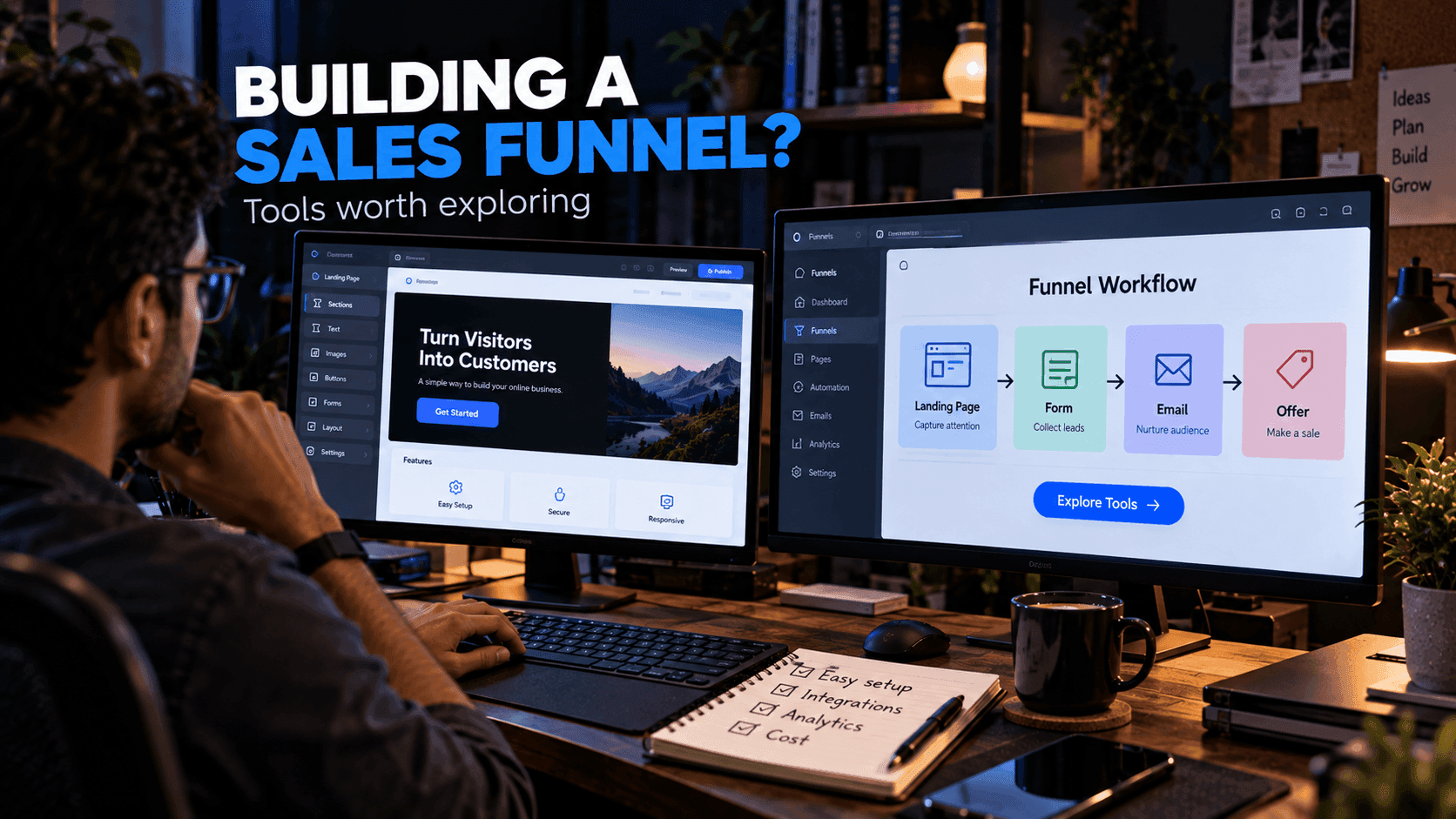
Tools for Building Funnels
You can build every component separately, but that often means several services: a page builder, a form tool, an email platform and a payment provider, all connected together.
systeme.io is an all-in-one platform worth exploring if you want landing pages, funnels, email and checkout in one place. Our systeme.io sales funnel guide explains how its funnel builder works. For a broader comparison of approaches, see the best tools for building sales funnels.
Common Funnel Mistakes
Avoid:
- Sending traffic to a page that does not match the ad or post
- Asking for too much information
- Using several unrelated CTAs
- Making the offer unclear
- Hiding important pricing information
- Creating too many steps
- Ignoring mobile users
- Never reviewing the numbers after launch
Frequently Asked Questions
What are the basic steps of a sales funnel?
A simple sales funnel moves a visitor to a landing page, captures their interest or contact details, follows up with useful information and then presents a clear offer.
How many steps should a sales funnel have?
As few as needed for the visitor to take the action confidently. Many beginner funnels work with three or four steps, such as landing page, signup, follow-up emails and offer page.
Do I need an email list for a sales funnel?
Not always. Some funnels go straight from a landing page to a purchase or booking. Email becomes useful when visitors need more time or information before deciding.
What tools do I need to build a sales funnel?
At minimum you need a landing page, a way to collect signups or payments and a way to follow up. You can connect separate services or use an all-in-one platform that includes pages, forms, email and checkout.
Final Thoughts
A sales funnel is simply a structured customer journey. You do not need ten pages and dozens of automated messages.
Start with:
One audience + one problem + one offer + one clear path.
Then measure what happens and improve each step over time.
Related reading:
- What Is a Sales Funnel? A Beginner's Guide
- Best Tools for Building Sales Funnels
- How to Start Email Marketing as a Beginner
- systeme.io Sales Funnel Builder Guide
Disclosure: FreeDevTemplates may earn a commission if you sign up for systeme.io through links on our guide pages, at no additional cost to you. Read our affiliate disclosure.