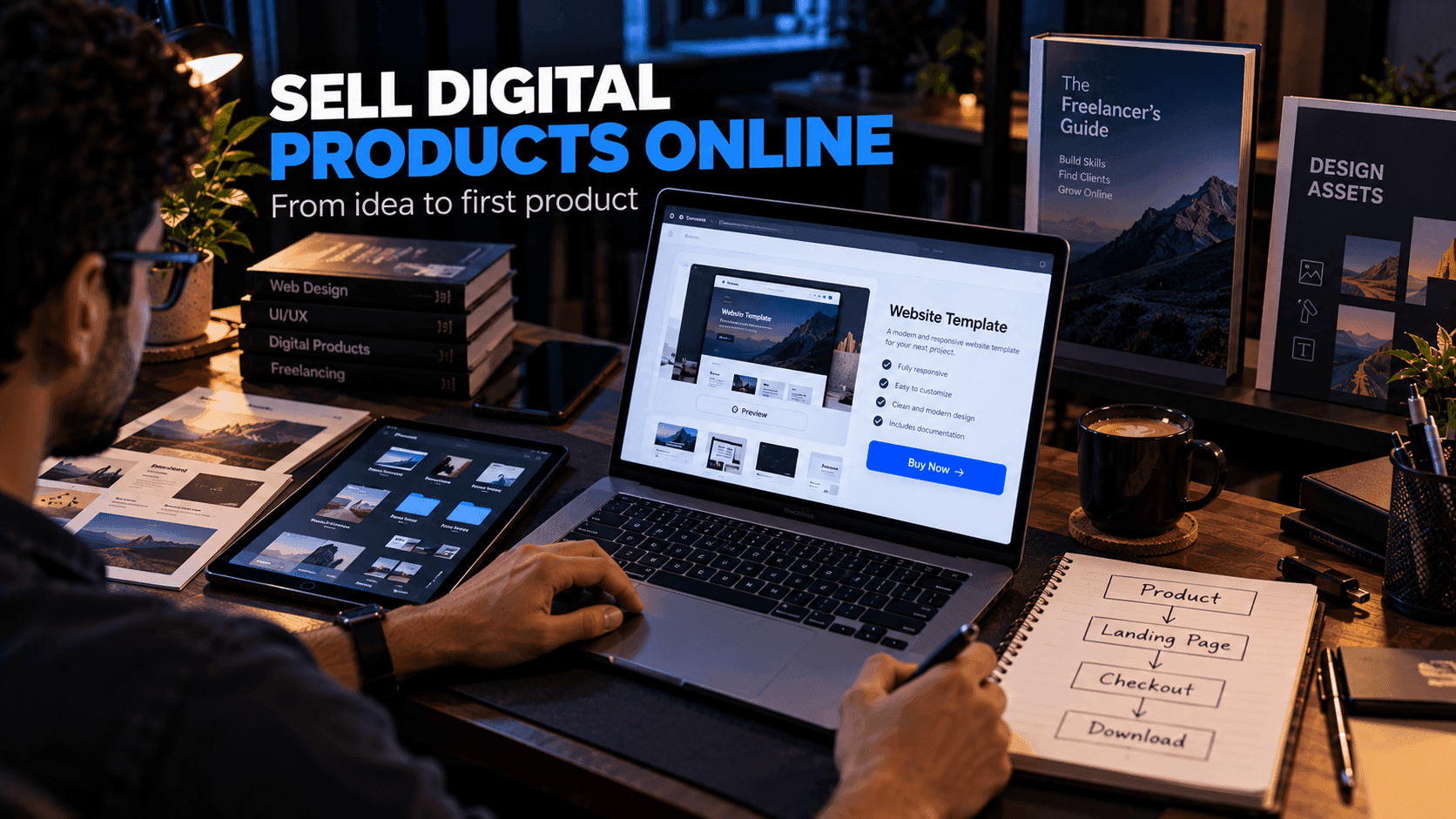
Digital products can include templates, ebooks, courses, design assets, software, presets, guides and other downloadable or online resources.
One advantage is that a digital product can be delivered electronically, so you do not need to manage stock or shipping. However, creating the product is only one part of the business. You also need a way to present it, sell it and deliver it, and a way for the right people to find it.
This guide covers the full process, from choosing a product idea to promoting it after launch.
Quick answer: To sell digital products online, choose a specific product for a specific audience, validate demand with a simple landing page, create a focused first version, build a clear product page, set up payment and automatic delivery, and promote it where your audience already spends time.
Step 1: Choose a Specific Product
Start with a clear problem.
For example:
- A website template for small businesses
- A budgeting spreadsheet
- A photography preset pack
- A JavaScript course for beginners
- A UI component library
The more specific the problem, the easier the product is to explain. "A landing page template for SaaS startups built with Next.js and Tailwind" is easier to sell than "a website template."
Avoid creating a large product before you know whether people need it.
Step 2: Identify the Audience
Ask:
- Who needs this?
- What problem are they trying to solve?
- What alternatives do they currently use?
- What would make your product more useful than those alternatives?
A specific audience makes your product positioning clearer and your marketing easier, because you know where to find those people and what language they use.
Step 3: Validate the Idea
Before spending months building a product, test interest.
You can:
- Create a simple landing page.
- Explain the product and who it is for.
- Collect email signups from interested people.
- Ask those people for feedback about what they need most.
- Build a small first version.
- Improve it based on real responses.
Validation does not guarantee sales, but it can help you avoid building something nobody wants. Our guide on how to create a landing page for free shows how to set up that first page.
Step 4: Create the Product
Focus on usefulness rather than size.
A short, practical resource can be more valuable than a large collection of unrelated files. A course that helps students achieve one result is often better than one that covers everything.
For a template or code product, include:
- Clear documentation
- Installation instructions
- Examples
- Licensing information
- Support information
Test the product as if you were a new buyer: download it, follow your own instructions and note anything confusing. If you are creating a course, our guide on how to create an online course covers that format in depth.
Step 5: Create a Product Page
Your sales page should explain:
- What the product is
- Who it is for, and who it is not for
- What is included
- How it works
- The price
- The delivery method
- Frequently asked questions
Show real screenshots, previews or sample pages where appropriate. For templates, a live demo is one of the most useful things you can offer. For ebooks, a sample chapter or table of contents works well.
Be honest about what the product does. Clear, accurate descriptions reduce refund requests and build trust for future products.
Step 6: Set Up Payment and Delivery
Customers need a clear way to pay and receive their purchase.
Your system should handle:
Product → Payment → Confirmation → Delivery
Common delivery methods include:
- An automatic email with a download link
- A download link on the thank-you page
- Access to a members area or course
Make sure buyers know what happens after payment, and test the whole flow yourself with a real purchase before launch. A buyer who pays and receives nothing is the fastest way to lose trust.
Step 7: Build a Simple Funnel
You can use:
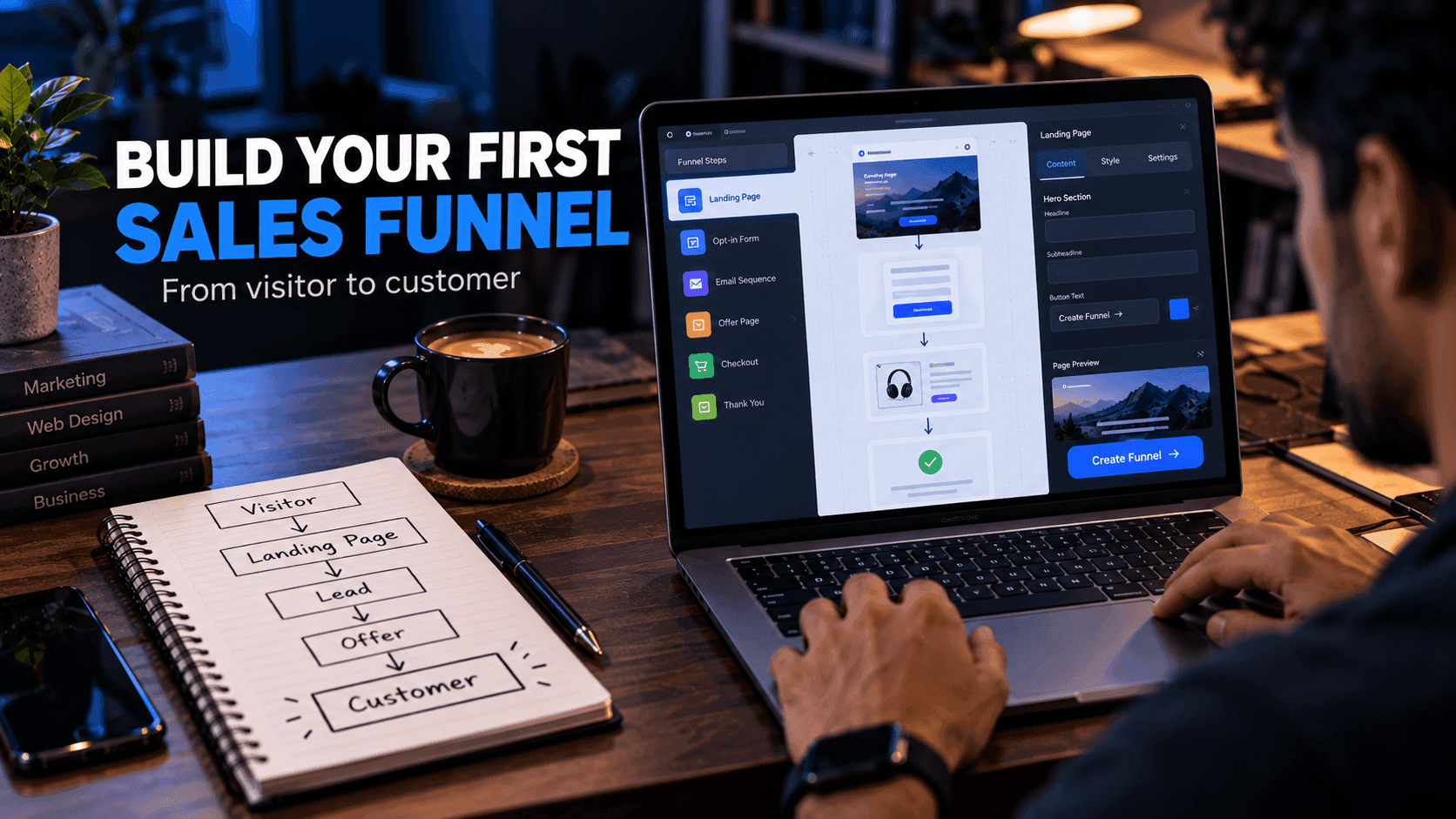
Content → Landing page → Product page → Checkout → Delivery
You might also offer a free resource, such as a free template or sample, to build an email audience. People who enjoyed the free resource are often the most interested in a premium version.
After purchase, a short email sequence can help customers get started and let them know about updates. For more on funnel structure, see how to create a sales funnel.
Step 8: Promote the Product
Possible channels include:
- Search engines, through helpful blog content
- Social media
- YouTube tutorials
- Email to your subscribers
- Communities where your audience gathers
- Paid advertising
- Partnerships with creators in your niche
Choose channels where your target audience already spends time. For developer products, useful tutorials, open-source examples and free resources are often more effective than direct promotion.
Example: Selling a Premium Template Pack
Here is an illustrative example of how the steps above could work for a developer resource site:
- Product: A premium pack of SaaS landing page templates.
- Audience: Developers and founders launching software products.
- Validation: A page describing the pack, with an email signup for early access.
- Product page: Live demos, a list of included pages and components, licensing terms and an FAQ.
- Payment and delivery: A checkout followed by a thank-you page with a download link and a confirmation email.
- Funnel: Free templates on the site lead to an email list, which leads to the premium pack.
- Promotion: Tutorials that use the free templates, shared in developer communities.
This is a hypothetical example to show the structure, not a report of real results.
Tools to Consider
Developers can build the product website and checkout experience themselves, connecting a payment provider and a file delivery system. That gives full control but requires building and maintaining each piece.
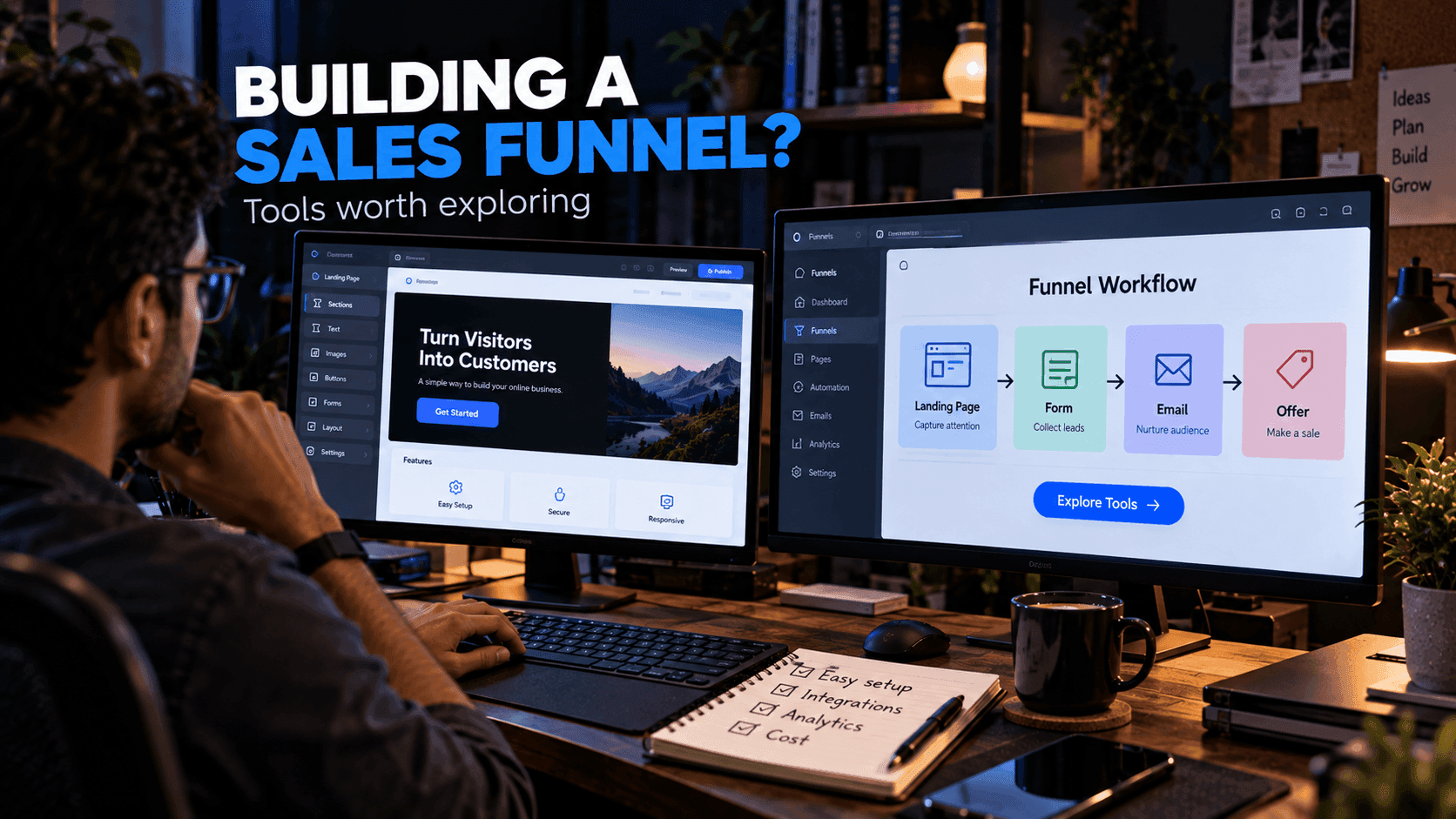
Another option is an integrated online-business platform. systeme.io is one platform worth exploring for landing pages, funnels, email marketing and selling digital products in one place. According to its documentation, files can be delivered automatically by email after a sale or through a download link on a thank-you page. See our systeme.io digital products guide for details.
Common Mistakes
Avoid:
- Creating products without validating demand
- Unclear licensing
- Poor or missing documentation
- A complicated checkout
- Fake urgency or countdown timers
- Exaggerated income claims
- Ignoring customer support
- Launching without testing the delivery flow
Frequently Asked Questions
What digital products can I sell online?
Common examples include website templates, UI kits, ebooks, online courses, design assets, spreadsheets, presets, guides, software and printable resources.
How do I deliver a digital product after purchase?
Typical options are an automatic email with a download link, a download link on the thank-you page after checkout, or access to a members area or course. Make sure buyers know what happens after they pay.
Do I need a website to sell digital products?
You need at least a product page and a checkout. That can be part of your own website, a standalone landing page or a page hosted on a platform that handles payments and delivery.
How can I validate a digital product idea?
Create a simple landing page that explains the product, collect email signups from interested people, ask them for feedback and build a small first version before investing heavily.
What should I include with a template or code product?
Clear documentation, installation instructions, examples, licensing terms and information about how to get support.
Final Thoughts
Selling digital products is not only about uploading a file and waiting for customers.
You need a useful product, a specific audience, clear presentation, reliable delivery and a way to reach potential customers.
Start small, learn from real users and improve the product over time.
Related reading:
- How to Create an Online Course
- How to Create a Sales Funnel
- How to Start Email Marketing as a Beginner
- systeme.io Digital Products Guide
Disclosure: FreeDevTemplates may earn a commission if you sign up for systeme.io through links on our guide pages, at no additional cost to you. Read our affiliate disclosure.