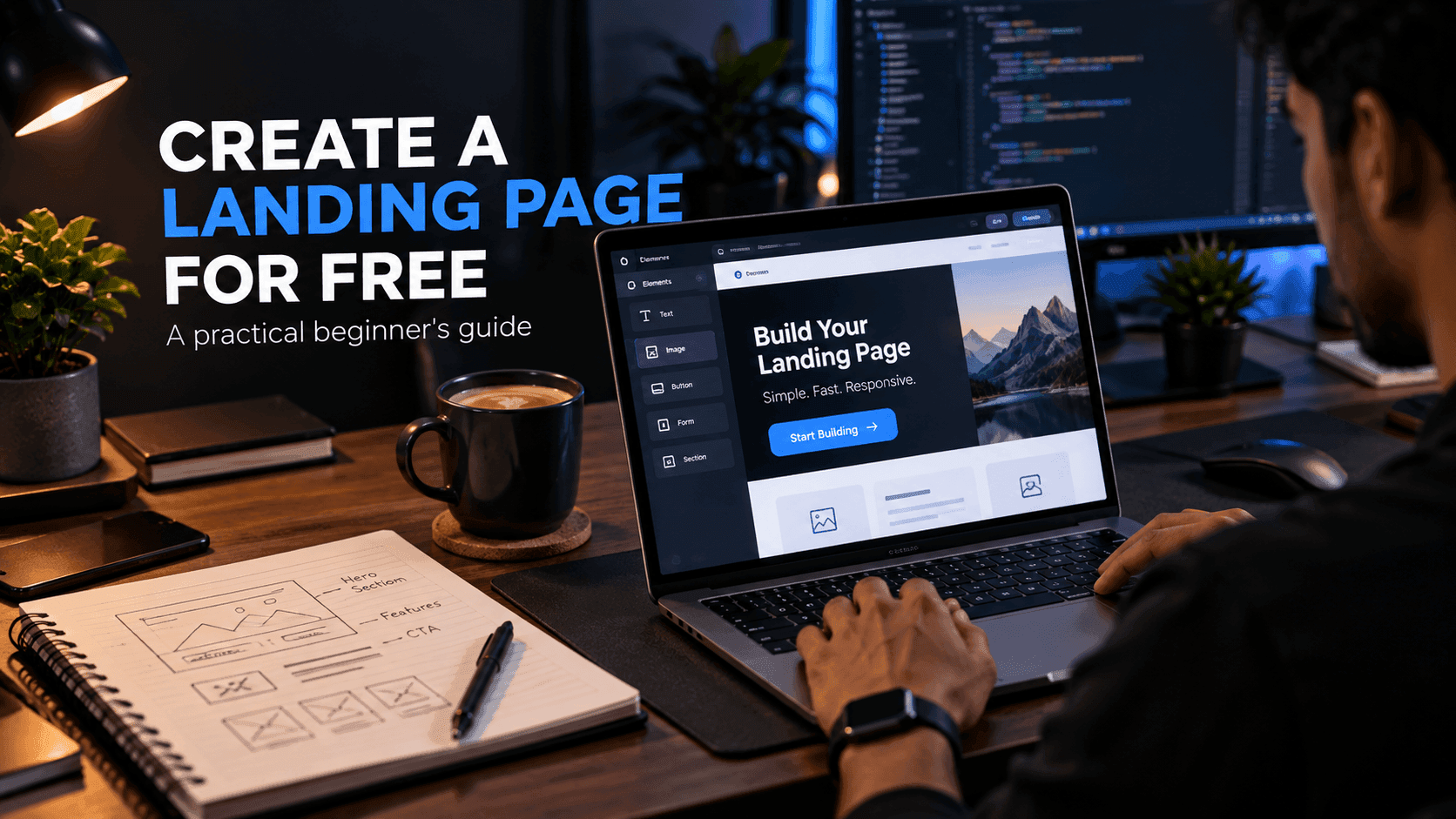
A landing page is a focused web page designed to encourage a visitor to take one specific action. That action might be signing up for a newsletter, requesting a quote, downloading a resource, registering for an event or buying a product.
The good news is that you do not need a large budget or a complicated development stack to create one. With the right structure and a free or low-cost page builder, you can launch a useful landing page in an afternoon.
This guide walks through the whole process, from choosing a goal to checking the finished page before you share it.
Quick answer: To create a landing page for free, pick one goal, write a specific headline, explain the offer in short sections, add one clear call to action, make sure it works on mobile and publish it with a free page builder or free static hosting.
What Is a Landing Page?
A landing page is different from a normal website homepage. A homepage usually introduces a business and gives visitors many navigation choices. A landing page has a narrower purpose: it exists to move one type of visitor toward one next step.
For example, a freelancer might create a page specifically for:
- Web design services
- A free website template
- An ebook
- A consultation call
- A newsletter
- A digital product
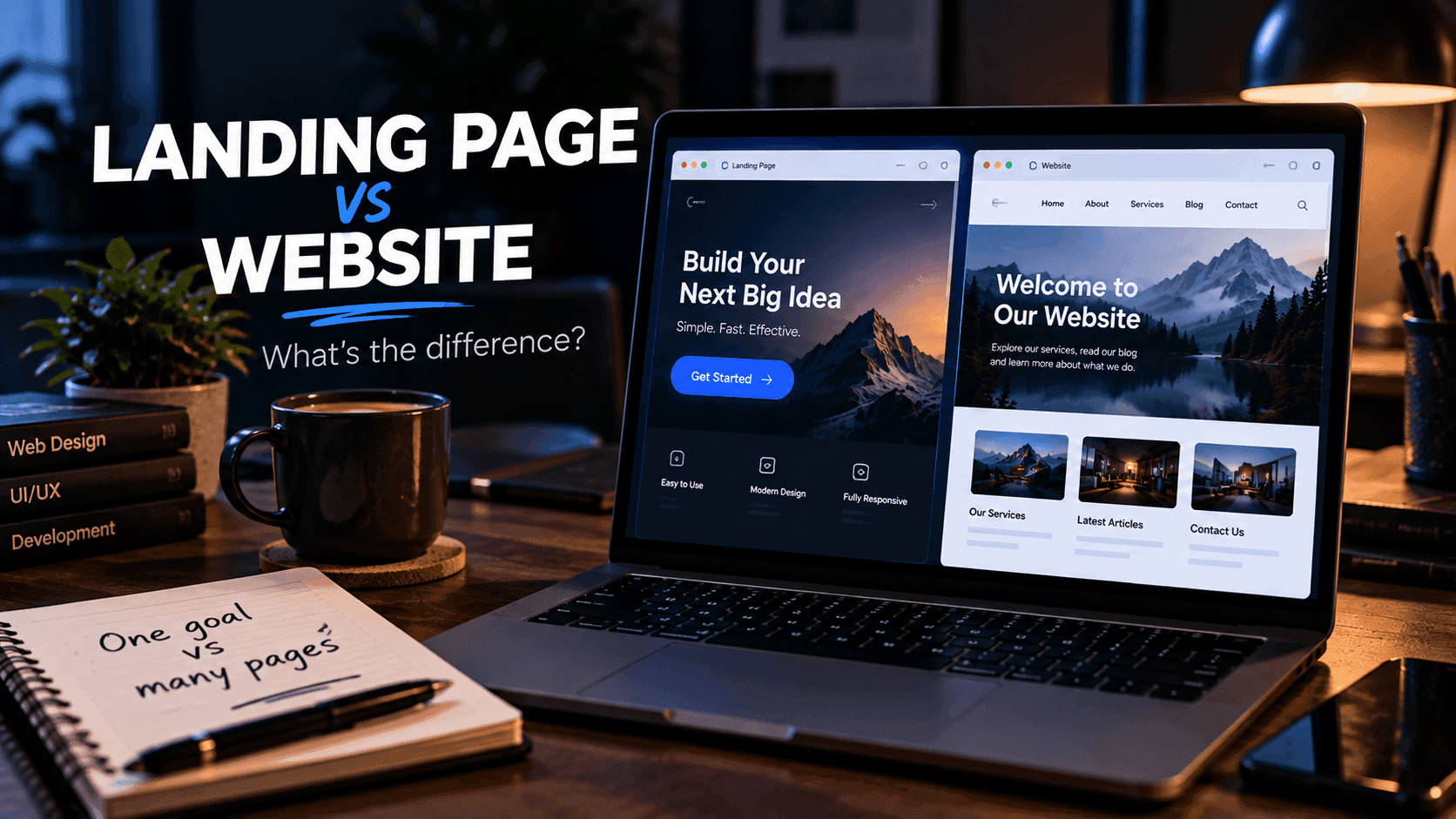
Each of these deserves its own page because each has a different audience, message and action. If you are unsure whether you need a landing page or a full site, read our comparison of a landing page vs a website.
Step 1: Define One Goal
Before designing anything, decide what you want visitors to do.
Examples include:
- Join an email list
- Download a free template
- Book a consultation
- Start a free trial
- Purchase a product
Avoid giving the page several competing goals. When a page asks visitors to subscribe, follow you on social media, read your blog and buy a product at the same time, none of those actions stands out.
A useful exercise is to finish this sentence before you start: "This page succeeds when a visitor ___." If you cannot fill in the blank with a single action, the page needs more focus.
Step 2: Write a Clear Headline
Your headline should immediately explain the benefit.
Instead of:
Welcome to Our Website
try something more specific:
Build a Professional Portfolio Without Starting From Scratch
A useful formula is:
Benefit + audience or problem + simple outcome
Here are a few more examples using that formula:
- Free Next.js Starter Template for SaaS Landing Pages
- A Weekly Email With One Practical CSS Tip
- Get a Website Audit for Your Small Business in 48 Hours
Keep the headline short enough to scan on a phone. You can use a supporting line below it to add detail, such as who the offer is for or what makes it different.
Step 3: Add Supporting Information
The section below the headline should answer the obvious questions:
- What is this?
- Who is it for?
- Why should I care?
- What happens when I click the button?
Use short paragraphs and bullet points rather than large blocks of text. Visitors often skim first and read only the parts that match their questions.
Visuals can help too. A screenshot of a template, a preview of an ebook chapter or a short product demo usually explains more than a paragraph of description. Only use images that show the real thing you are offering.
Step 4: Add a Strong Call to Action
Your call to action (CTA) tells the visitor what to do next.
Examples:
- Download the Free Template
- Start Free
- Get the Checklist
- Book a Call
- Explore the Tool
Good CTAs describe the result of clicking rather than using vague words like Submit or Click Here. Make the button visually obvious, give it enough space and repeat it naturally after important sections so visitors do not have to scroll back up.
If the CTA leads to a form, keep the form short. Ask only for information you genuinely need. For a free download, an email address is often enough.
Step 5: Make It Mobile Friendly
Many visitors will arrive on a phone, especially from social media and email. Check:
- Text size
- Button size and spacing
- Image dimensions
- Page spacing
- Navigation
- Form usability
- Loading speed
Open the page on a real phone, not only in a desktop browser's responsive mode. Try tapping every button and filling in the form with your thumb. A landing page that looks excellent on desktop but is awkward to use on mobile can lose people who were ready to act.
For speed, compress images, avoid large background videos and limit heavy animations. A focused page rarely needs much JavaScript.
Step 6: Choose a Tool
You have three common options.
Code it yourself. Developers can build a landing page with HTML, CSS and JavaScript or a framework such as Next.js, then host it on a free static hosting service. This gives you maximum control, and you can start from one of our free templates to save time.
Use a visual page builder. Builders let you edit sections, text and images without code. This is faster for many people, especially when the page needs to change often.
Use an all-in-one platform. When you also need forms, email follow-up, funnels or a way to sell, a platform that combines those features can save you from connecting several separate services. systeme.io is one option worth exploring; our systeme.io landing page guide explains how it handles pages, forms and follow-up in one place.
Not sure which route fits? Our guide to the best landing page tools for beginners compares these options in more detail.
A Simple Landing Page Structure
A practical page can follow this order:
- Headline
- Supporting statement
- Primary CTA
- Problem
- Solution
- Key benefits
- How it works
- FAQ
- Final CTA
You do not need dozens of sections. Every section should help the visitor understand the offer or decide what to do next. If a section does neither, remove it.
Example: A Free Template Download Page
Here is how that structure might look for a developer offering a free portfolio template:
- Headline: Free Portfolio Template for Web Developers
- Supporting line: A clean, responsive portfolio built with HTML and Tailwind CSS. Download it, add your projects and publish.
- CTA: Download the Free Template
- Problem: Building a portfolio from scratch takes time you could spend on client work.
- Solution: A ready-made layout with sections for projects, skills and contact details.
- Benefits: Responsive layout, easy-to-edit sections, no build step required.
- How it works: Enter your email, receive the download link, customize and deploy.
- FAQ: Licensing, browser support, how to get help.
- Final CTA: Download the Free Template
Notice that every section supports the same single action.
Common Mistakes
Avoid:
- Multiple unrelated CTAs
- Long introductions before the offer is clear
- Tiny text on mobile
- Slow, uncompressed images
- Unclear pricing
- Fake testimonials or invented numbers
- Unsupported claims
- Too many animations
- Long or confusing forms
Trust is especially important when asking someone to submit information or make a purchase. Honest, specific copy usually works better than hype.
Final Checklist
Before publishing, ask:
- Is the purpose immediately clear?
- Is the headline specific?
- Does the CTA stand out?
- Does the page work on a real phone?
- Does the page load quickly?
- Are forms working and sending data where you expect?
- Are all links working?
- Is the privacy information appropriate?
- Is any affiliate relationship disclosed?
After You Publish
A landing page is never really finished. Once it is live:
- Share it where your audience already spends time.
- Track visits and CTA clicks with an analytics tool.
- Read any replies or questions people send you, since they often reveal missing information.
- Change one thing at a time, such as the headline or CTA text, so you can see what made a difference.
Frequently Asked Questions
Can I create a landing page for free?
Yes. You can code a landing page yourself and host it on a free static hosting service, or use a page builder that offers a free way to get started. Check each tool's current plan details, because free features and limits vary.
What should a landing page include?
At minimum, a clear headline, a short explanation of the offer, one primary call to action and any information visitors need before acting, such as what they receive, how it works and answers to common questions.
How long should a landing page be?
Long enough to answer the questions a visitor has before taking the action. A free newsletter signup can be short, while a paid product usually needs more detail about what is included and how it works.
Do I need coding skills to build a landing page?
No. Visual page builders let you create pages without code. Developers can still hand-code pages when they need full control over design, performance or integrations.
Should a landing page have navigation?
Many landing pages reduce or remove the main navigation so visitors focus on one action. Keep essential links such as your privacy policy and any required disclosures.
Final Thoughts
A good landing page does not need to be complicated. Start with one audience, one problem and one clear action, then improve the page using real visitor behavior.
Related reading:
- Best Landing Page Tools for Beginners
- Landing Page vs Website: What's the Difference?
- How to Create a Sales Funnel
- systeme.io Landing Page Builder Guide
Disclosure: FreeDevTemplates may earn a commission if you sign up for systeme.io through links on our guide pages, at no additional cost to you. Read our affiliate disclosure.