Email marketing tools range from simple newsletter applications to complete platforms that combine email with landing pages, funnels and digital products.
For a small business, the right choice usually depends on the size of your audience, the type of emails you send and the other tools you need. Choosing the wrong type of tool can mean paying for features you never use, or stitching together several services when one would do.
This guide explains the main categories of email tools, what to look for and how to compare them fairly.
Quick answer: If you mainly send newsletters, a newsletter-focused tool may be enough. If your emails are tied to signup pages, sequences and sales, look at automation or all-in-one platforms. Compare total cost at the list size you expect, not just the starting price.
New to email marketing? Start with our guide on how to start email marketing as a beginner.
What to Look For
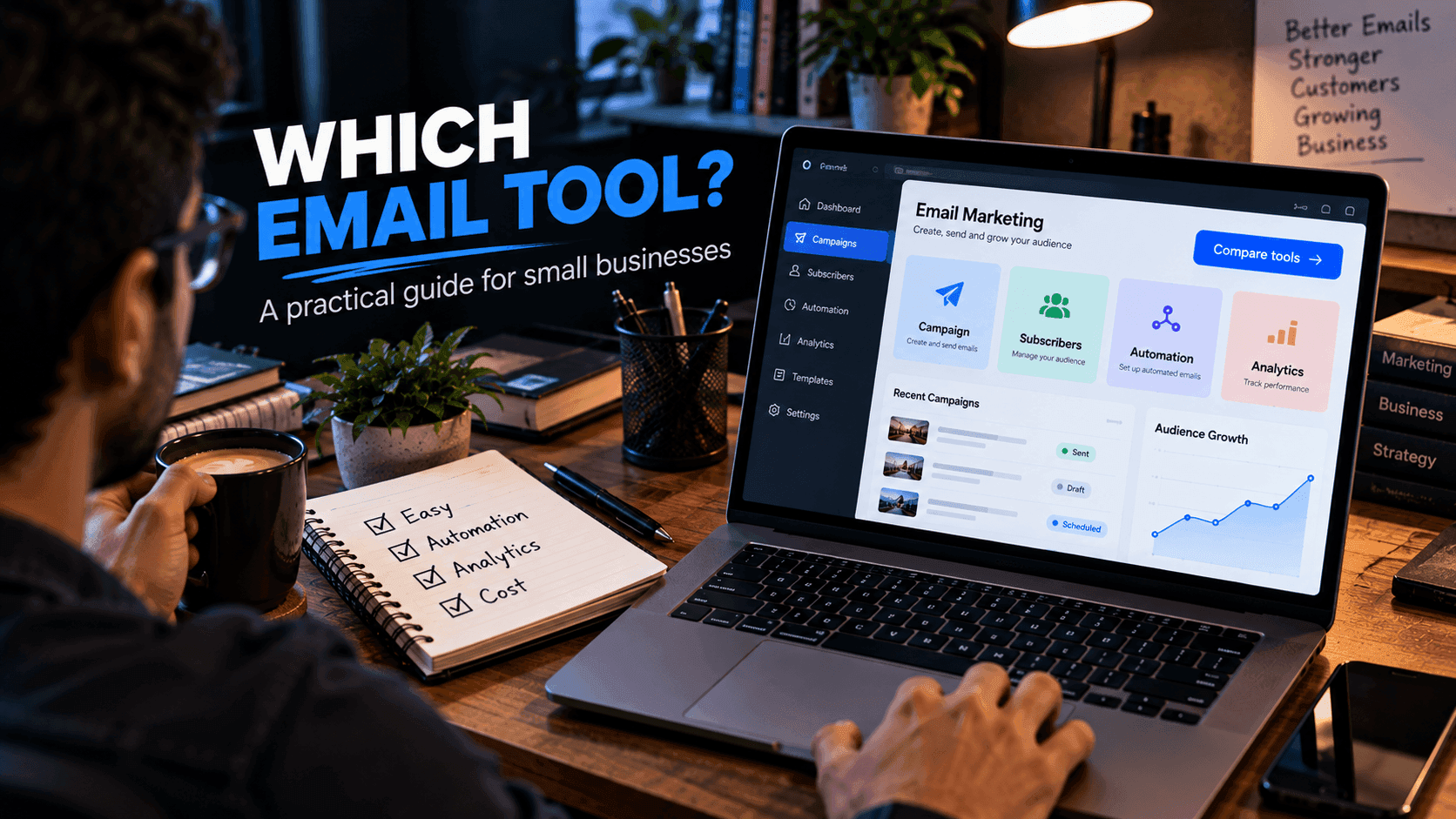
Before choosing an email platform, consider:
- Subscriber management: importing, tagging and organizing contacts
- Email editor: how easy it is to write and format emails
- Automation: sending sequences based on signups or actions
- Forms: signup forms you can add to your website
- Segmentation: sending different emails to different groups
- Analytics: opens, clicks, unsubscribes and conversions
- Integrations: connecting with your website, store or payment system
- Deliverability features: tools such as domain authentication that help emails reach inboxes
- Unsubscribe management: handled automatically and reliably
- Pricing: now, and as your list grows
Rank these by importance for your business before you start comparing tools.
Newsletter-Focused Tools
If you mainly send occasional or regular newsletters, a dedicated newsletter platform may be enough.
This can be appropriate for:
- Bloggers
- Publishers
- Communities
- Small newsletters
- Local businesses sending updates to customers
Advantages: Simple to learn, focused on writing and sending, often inexpensive for small lists.
Trade-offs: Automation, landing pages and sales features may be limited or unavailable.
The simpler your workflow, the less reason you have to use a large all-in-one system.
Marketing Automation Platforms
If your email campaigns are connected to landing pages, forms and customer journeys, you may want more automation.
For example:
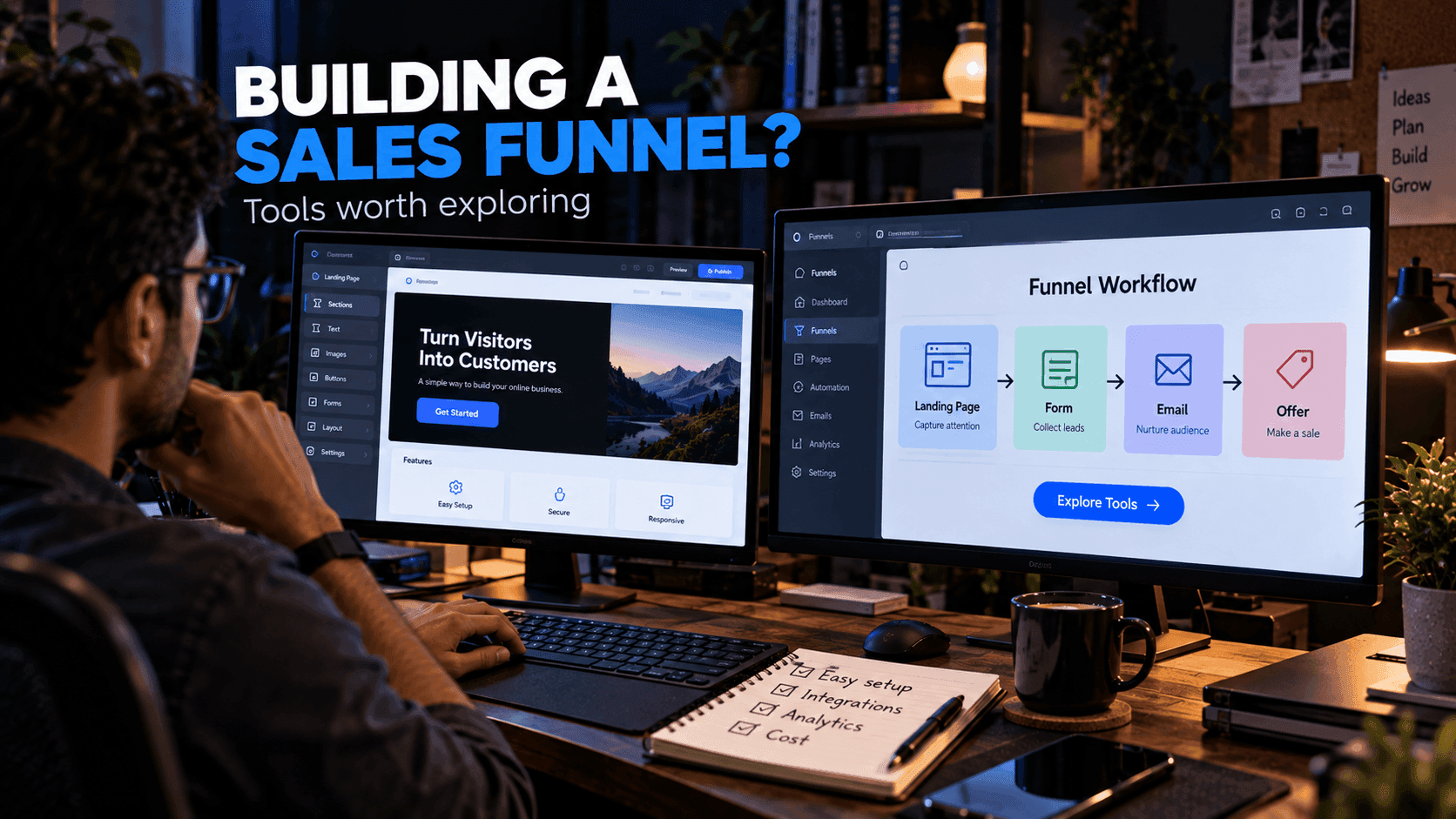
Landing page → signup → welcome email → educational sequence → offer
Advantages: Powerful sequences, detailed segmentation and behavior-based triggers.
Trade-offs: More complex to set up, and pages, checkout or products may still require separate tools.
In this case, managing everything in connected systems can reduce manual work, but you will need to maintain the connections between them.
All-in-One Platforms
systeme.io is an example of an all-in-one platform that includes email marketing alongside landing pages, funnels and other online-business functionality, such as selling digital products and courses.
Advantages: Signup pages, email sequences and sales pages live in the same account, so you do not need to connect separate services.
Trade-offs: A specialized email tool may offer deeper features in some areas, and you may not need every function included.
This can be useful if you prefer to manage multiple parts of your workflow in one place. Read our systeme.io email marketing guide for a more focused overview.
Comparing the Categories
| Newsletter tool | Automation platform | All-in-one platform | |
|---|---|---|---|
| Best for | Regular updates | Complex email journeys | Pages, email and sales together |
| Learning curve | Low | Moderate to high | Moderate |
| Landing pages and checkout | Limited | Varies | Included |
| Automation depth | Basic | Advanced | Varies by platform |
How to Compare Platforms
1. List Size
Check how subscriber limits are calculated. Some platforms count every contact, including unsubscribed ones; others count only active subscribers.
2. Automation
If you need automated sequences, make sure the platform supports the workflows you actually need, such as sending a sequence after signup or tagging people who click a link.
3. Forms
Check whether you can easily connect signup forms to your website, whether by embedding a form, using a hosted page or connecting through an API.
4. Analytics
Look for reporting that helps you understand campaign performance, not just vanity numbers.
5. Integrations
Make sure the platform works with your website, payment system and other important services.
6. Cost
Calculate the cost at the subscriber level you expect to reach in a year. A cheap starting plan may become expensive as your list grows, while another tool's higher starting price might include things you would otherwise pay for separately. Always confirm current pricing on the provider's official website.
Don't Choose Only by Price
A cheaper tool may require several additional services.
For example:
Email platform + landing page builder + automation service
could be more complicated, and sometimes more expensive, than one integrated platform.
On the other hand, an all-in-one platform may include functions you do not need. The right comparison is the total cost and effort of the setup that fully covers your workflow.
For Developers
Developers have more options because you can build your own signup forms and connect them to an email API.
That gives you control, but you also need to handle:
- API integration
- Data storage
- Authentication
- Unsubscribe handling
- Error handling and retries
- Compliance with privacy rules
- Ongoing maintenance
A managed service can reduce this workload. A common hybrid is to keep your custom-built site, for example one based on our free templates, and embed a managed platform's signup form or connect it through an integration.
A Simple Way to Decide
Answer these questions:
- Do you mainly send newsletters? Start with a newsletter-focused tool.
- Do you need automated sequences tied to signups or purchases? Look at automation or all-in-one platforms.
- Do you also need landing pages, funnels or product sales? An all-in-one platform may save you from connecting several tools. See best tools for building sales funnels for more on that decision.
- Do you have development time and specific requirements? Consider an email API with your own forms.
Then try your top two options with a real signup form and a short welcome sequence before committing.
Frequently Asked Questions
What is the best email marketing tool for a small business?
It depends on your workflow. A newsletter-focused tool suits businesses that mainly send regular updates. An automation or all-in-one platform suits businesses whose emails are connected to landing pages, funnels and product sales.
Are free email marketing tools good enough for small businesses?
A free option can be enough when you are starting out with a small list. Check the current limits on subscribers, monthly emails, automation and branding, and how pricing changes as your list grows.
What features should small businesses look for in email software?
Subscriber management, an easy email editor, signup forms, basic automation, segmentation, analytics, unsubscribe management and integrations with your website and payment tools.
Should developers build their own email system?
Developers can connect signup forms to an email API for full control, but they must also handle data storage, unsubscribes, error handling, compliance and maintenance. A managed service reduces that workload.
Final Thoughts
The right email platform depends on your workflow.
Choose a dedicated newsletter tool if email is your only major requirement. Consider an all-in-one platform if your email campaigns are closely connected to landing pages, funnels and online products.
systeme.io is one option worth evaluating as part of that comparison.
Related reading:
- How to Start Email Marketing as a Beginner
- Best Tools for Building Sales Funnels
- How to Sell Digital Products Online
- systeme.io Email Marketing Guide
Disclosure: FreeDevTemplates may earn a commission if you sign up for systeme.io through links on our guide pages, at no additional cost to you. Read our affiliate disclosure.