Creating a landing page used to mean designing a page, finding hosting, connecting forms and handling several technical details yourself. Today, beginners can choose from many tools that simplify the process.
The catch is that there is no single "best" landing page tool. A developer may want complete control, while a small business owner may prefer a visual editor that never shows a line of code. This guide explains the main types of tools, who each one suits and a practical way to choose.
Quick answer: Beginners usually do best with a visual page builder or an all-in-one platform. Developers who want full control can code the page. Choose based on your whole workflow, including forms, email and payments, not only on templates.
What Should You Look For?
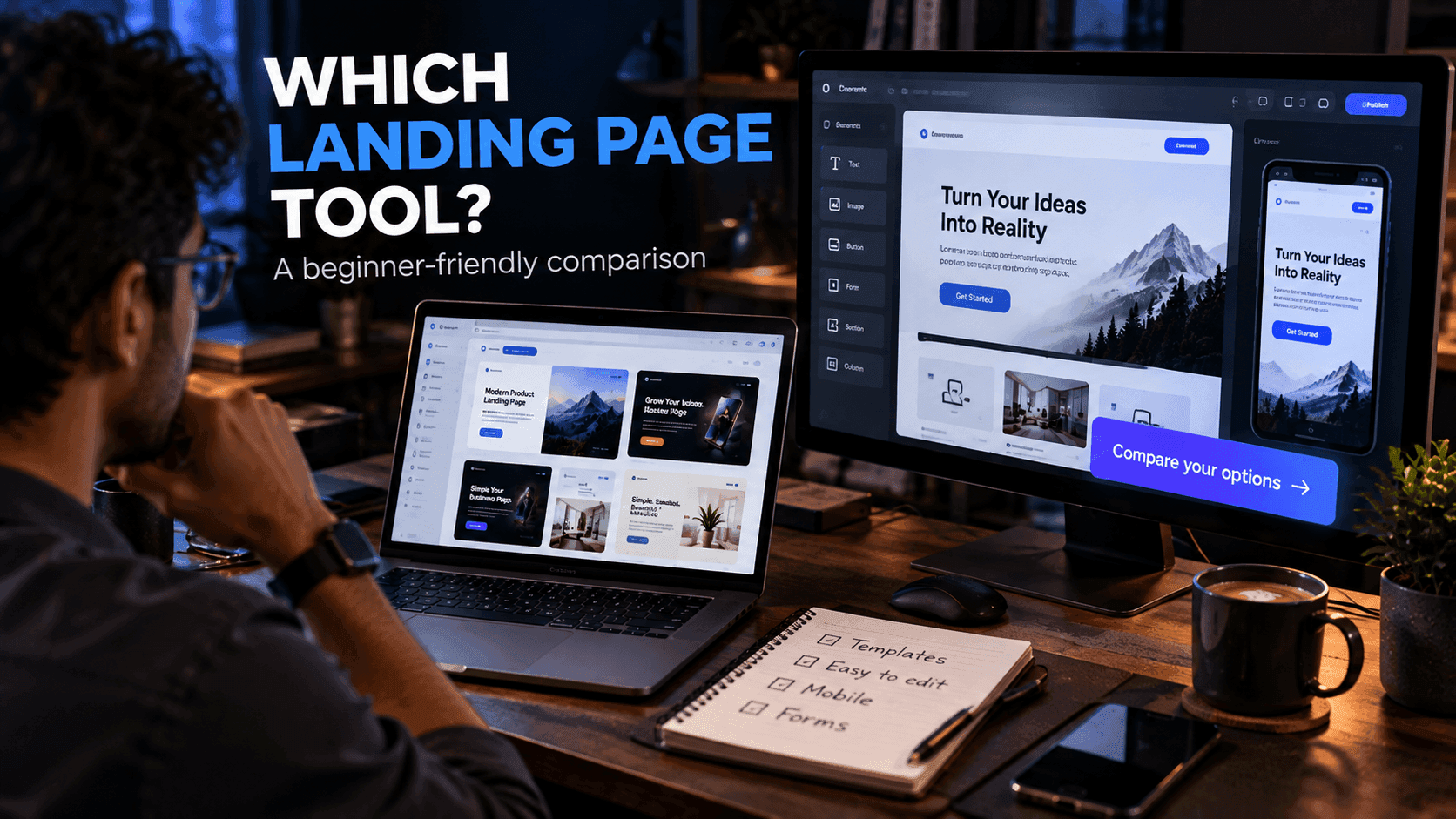
Before choosing a landing page tool, consider:
- Ease of use: Can you publish a basic page on your first day?
- Templates: Are there starting layouts that match your type of offer?
- Mobile responsiveness: Do pages work well on phones without extra effort?
- Customization: Can you change fonts, colors, spacing and layout?
- Forms and lead capture: Can visitors sign up or contact you?
- Integrations: Does it connect with your email, payment or analytics tools?
- Analytics: Can you see visits and conversions?
- Domain support: Can you use your own domain name?
- Performance: Do published pages load quickly?
- Pricing: What does it cost now, and as you grow?
There is no tool that is perfect for every project. Decide which of these matter most for yours before comparing options.
1. Visual Page Builders
Visual builders let you create a page by arranging sections and editing content directly, without writing HTML and CSS yourself.
They are particularly helpful for:
- Freelancers
- Small businesses
- Creators
- Marketing campaigns
- Quick product launches
Advantages: Speed, ease of editing and less technical maintenance. Non-technical team members can update text and images themselves.
Trade-offs: You may have less control than with a fully custom build, and moving your page to another tool later can take work.
2. Website Builders
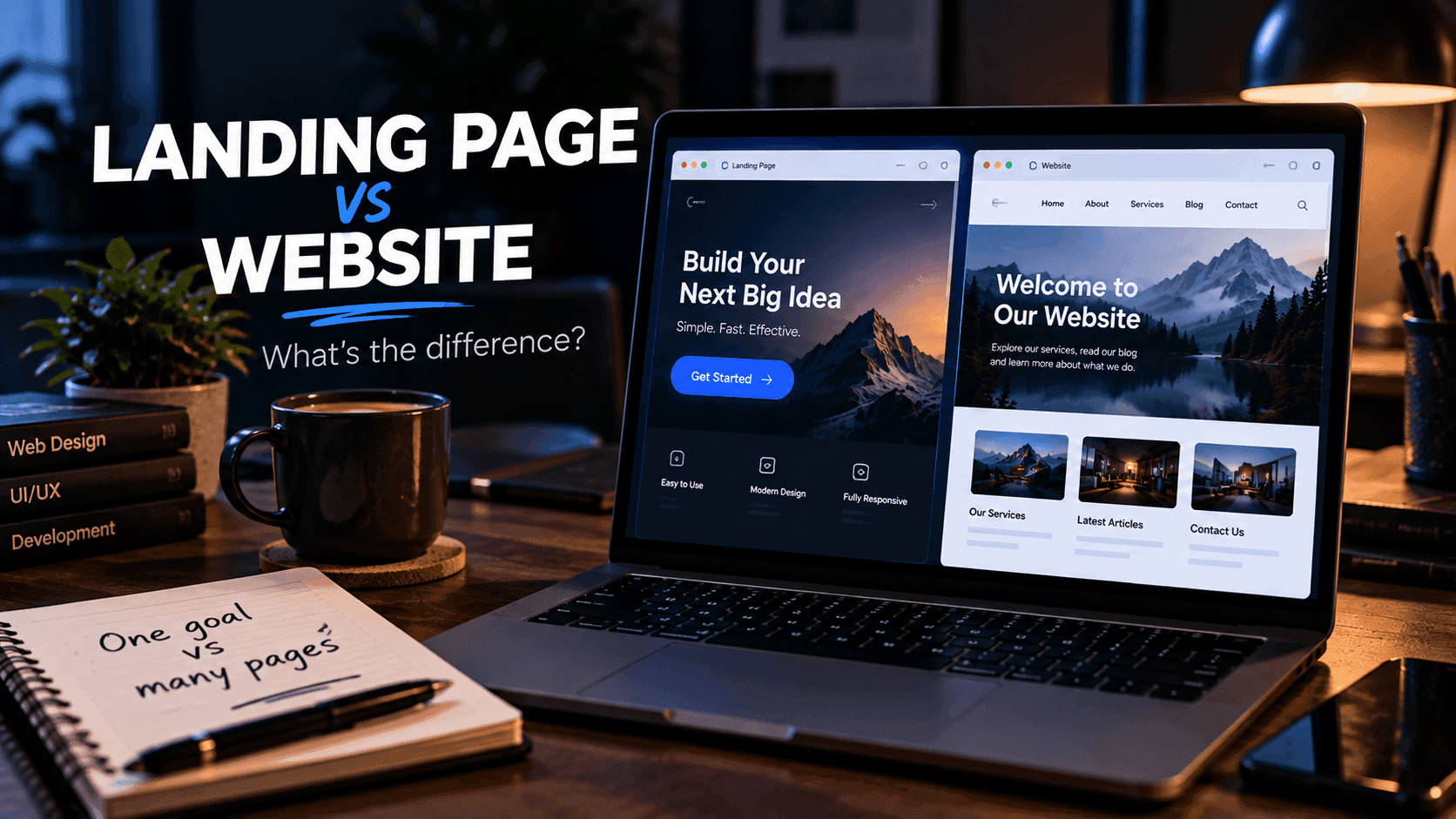
General website builders can also create landing pages. They are useful when your project needs several pages in addition to a campaign page.
For example, a small business may need:
- Homepage
- About page
- Services
- Contact page
- Landing pages for specific campaigns
Advantages: One platform for your whole site, with consistent design and navigation.
Trade-offs: They may include many features you do not need for a simple campaign, and some are less focused on conversion features such as funnels.
3. Build It Yourself
Developers can create landing pages directly with HTML, CSS and JavaScript, or with a framework such as React or Next.js.
This gives you excellent control over:
- Design
- Performance
- Code structure
- SEO
- Interactions
- Hosting
You can also start from a ready-made layout; our free templates are a good way to skip the blank-page stage.
Trade-offs: The page itself is only part of a marketing workflow. You may still need to build or connect form handling, email campaigns, funnels, analytics and payments, and you are responsible for maintaining all of it.
4. All-in-One Platforms
An all-in-one platform combines several online-business functions, such as pages, forms, funnels, email and product sales, in one place.
systeme.io is one platform worth exploring for this approach, because it brings landing pages together with email marketing, sales funnels and tools for selling digital products. Our systeme.io landing page guide walks through how its page builder fits into that workflow.
Advantages: Fewer accounts and integrations to manage, and the parts of your workflow are designed to work together.
Trade-offs: Less flexibility than custom code, and you may pay for features you do not use if you only need a single page.
Comparing the Options at a Glance
| Option | Best for | Main strength | Main trade-off |
|---|---|---|---|
| Visual page builder | Beginners, campaigns | Fast editing | Less control |
| Website builder | Small business sites | Whole site in one place | Less focus on conversions |
| Build it yourself | Developers | Full control | More work to maintain |
| All-in-one platform | Creators, small businesses | Pages, email and sales together | Less flexibility than code |
Which Option Should You Choose?
Consider your situation.
If you are a developer: building from scratch gives you control and is a good choice for highly customized projects. For quick experiments, a builder can still save time.
If you are a beginner: a visual builder or all-in-one platform can remove most of the technical work.
If you are running a small business: consider a tool that also supports the other parts of your customer journey, such as contact forms and follow-up emails.
If you are selling digital products: look beyond page design and consider checkout, funnels, email and delivery. Our guide on how to sell digital products online covers what that full setup involves.
Don't Choose Based Only on Templates
Templates can save time, but they should not be the main deciding factor.
Check whether you can:
- Edit the content easily
- Change the design to match your brand
- Add your own domain
- Connect forms
- Track visitors
- Export or integrate data where necessary
A beautiful template is not useful if it cannot support your actual workflow.
A Practical Testing Method
If you are unsure, create the same simple landing page in two tools.
Use the same:
- Headline
- Images
- CTA
- Form
- Content
Then compare:
- How long it took to publish
- How easy it was to edit afterward
- How the page looks on a phone
- Whether the form worked as expected
- What you would need to add, and what it would cost
This gives you a more realistic understanding than comparing feature lists alone. Most tools offer a free way to get started or a trial, so the test usually costs nothing but an hour or two.
Mistakes Beginners Make When Choosing
- Picking the tool with the longest feature list instead of the one that fits
- Ignoring the cost of add-ons and separate services
- Not checking custom domain support before building the page
- Choosing based on unverified "best tool" rankings
- Forgetting to check how easy it is to leave if the tool stops fitting
Frequently Asked Questions
What is the easiest landing page tool for beginners?
For most beginners, a visual page builder is easiest because you edit sections directly on the page without writing code. The best choice still depends on what else you need, such as forms, email follow-up or payments.
Is it better to code a landing page or use a builder?
Coding gives you full control over design, performance and structure. A builder is usually faster and easier to update. Many developers code custom sites and use builders or platforms for quick campaign pages.
Are free landing page builders good enough?
A free option can be enough for a simple page, especially when you are testing an idea. Check the current limits on custom domains, branding, forms and number of pages before relying on a free plan.
What features matter most in a landing page tool?
Ease of use, mobile-friendly output, form support, custom domains and basic analytics matter for most projects. Integrations, funnels and email tools become important when the page is part of a larger workflow.
Final Thoughts
The best landing page tool depends on your project rather than a universal ranking. Developers may prefer code, beginners may prefer visual builders, and businesses may benefit from an integrated platform.
If you want to explore an all-in-one option, systeme.io is one platform you can evaluate alongside other tools. Once you have picked a tool, follow our step-by-step guide on how to create a landing page for free.
Related reading:
- How to Create a Landing Page for Free
- Landing Page vs Website: What's the Difference?
- Best Tools for Building Sales Funnels
Disclosure: FreeDevTemplates may earn a commission if you sign up for systeme.io through links on our guide pages, at no additional cost to you. Read our affiliate disclosure.