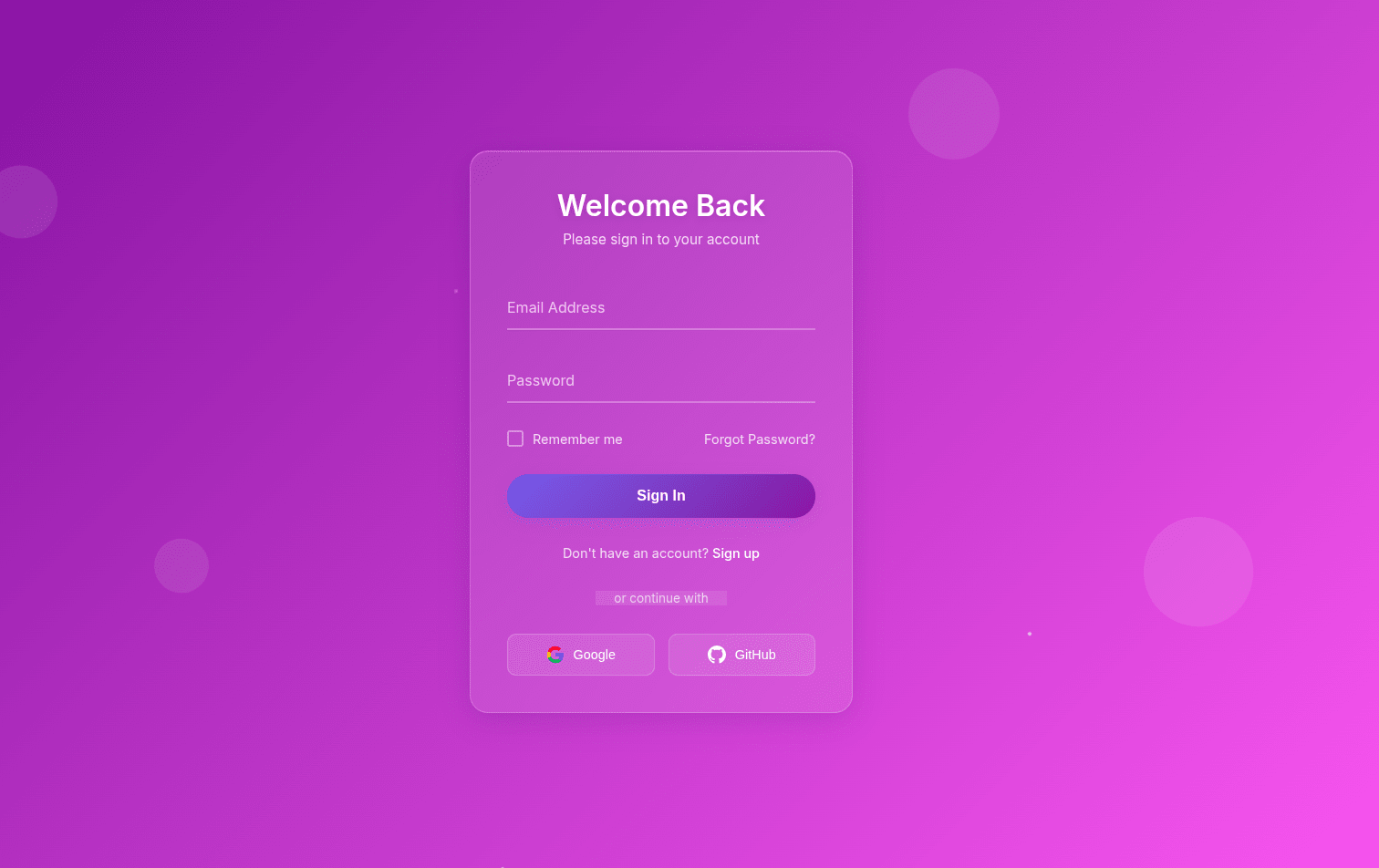
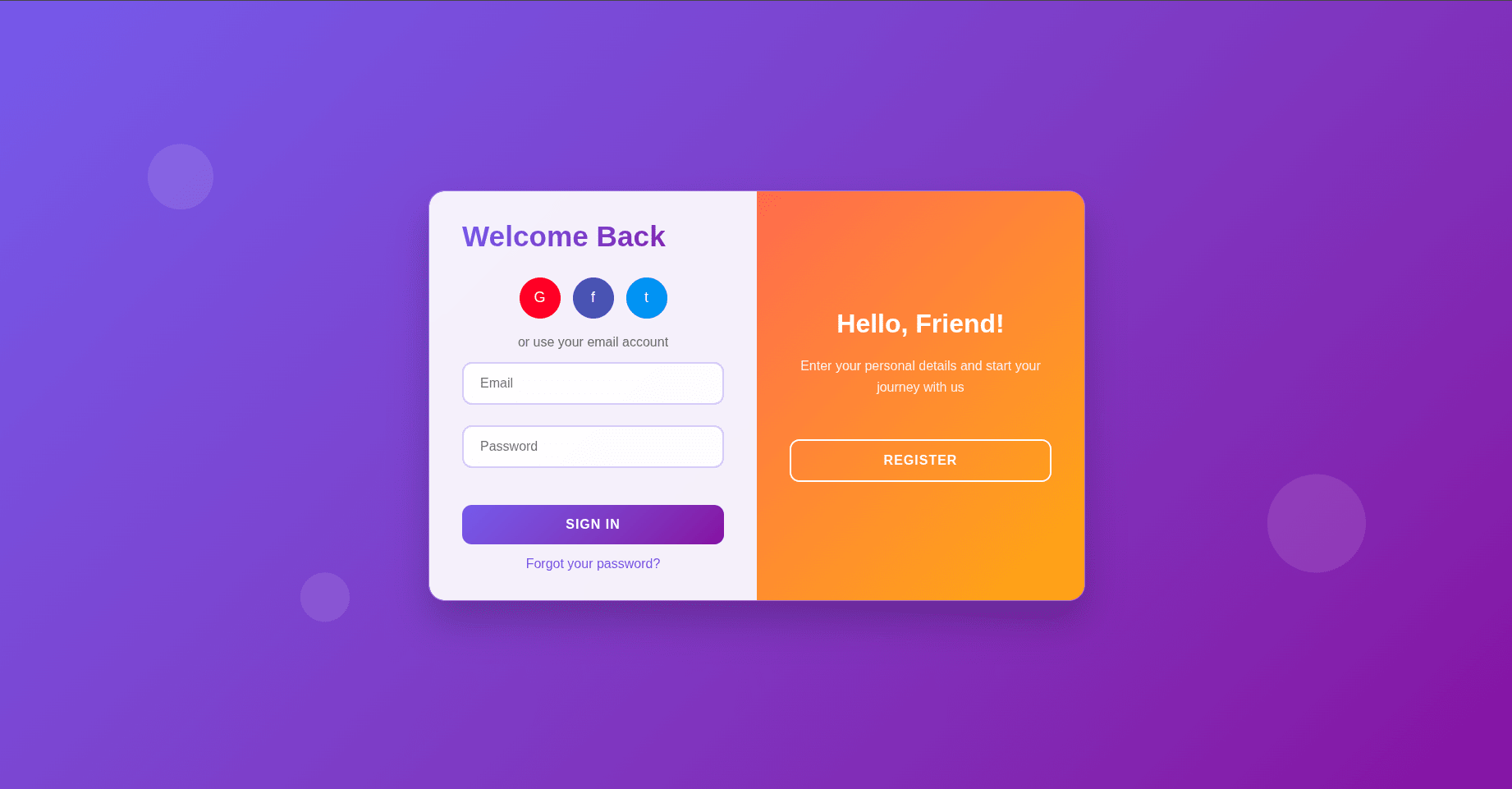
This template uses glassmorphism effects, floating background shapes, and a smooth gradient animation to create a visually stunning and engaging login experience. Perfect for any web app, portfolio, or SaaS product!
✨ Features
✅ Glassmorphism Design – Elegant, frosted-glass style container with blur effect
✅ Animated Gradient Background – Smooth color transitions for a premium look
✅ Floating Shapes – Adds a touch of depth and interactivity
✅ Responsive Layout – Looks great on mobile, tablet, and desktop
✅ Social Login Buttons – Pre-designed Google & GitHub buttons
✅ Hover & Focus Effects – Smooth transitions for a modern UX
✅ Custom Checkbox & Ripple Button Animation
✅ Easy to Customize – Just update the colors, fonts, or icons
📂 Files Included
-
index.html – Main HTML structure
-
styles.css – Beautifully styled with animations
-
script.js – Minimal JavaScript for button ripple effect
🖼 Preview
You can quickly preview the template before downloading:
🚀 How to Use
-
Download the free template (link below).
-
Extract the files into your project folder.
-
Open index.html in your browser to preview.
-
Customize the styles and connect to your backend.
📥 Free Download
You can use this template in personal or commercial projects. No attribution required (but a link back would be appreciated ❤️).
🔧 Customization Tips
-
Change the gradient colors in styles.css to match your brand.
-
Replace the social login buttons with your own OAuth integrations.
-
Add form validation or backend connection in script.js.
💡 Perfect For
-
Web Applications
-
Portfolio Projects
-
Admin Dashboards
-
SaaS Products
-
Login / Signup Screens
Would you like me to also create a zip file (ready-to-download) containing index.html, styles.css, and script.js so you can offer it as a direct download link on your site? (That way visitors can just click and get everything in one go.)
How to Run & Customize This Template
This download includes the source files for Transparent Login Page Template, built with HTML/CSS/JS. You can adapt the layout, typography, and color tokens for personal or client projects without attribution.
- Extract the archive: Download the ZIP file or clone the repository and open the project folder in VS Code or your preferred editor.
- Preview locally: For static HTML/Tailwind templates, open
index.html with a local development server (such as the VS Code Live Server extension or npx serve .) so relative asset paths resolve cleanly. If the project includes a package.json, run npm install followed by npm run dev. - Replace colors and fonts: Search for the primary accent utility classes or CSS custom properties and swap them to match your brand palette. Before deploying to production, compile Tailwind CSS locally instead of relying on the Play CDN script.
- Check responsive breakpoints and accessibility: Test the layout at
375px (mobile), 768px (tablet), and 1280px (desktop), and verify that interactive buttons, links, and menus work with keyboard navigation.
Need help customizing or found a bug in the source files? Read our production customization guide or report an issue to the editor.
 ui